Accovod 6


In the new version Accovod 6, we focused on key areas: performance and удобство of working with a large number of profiles. The update makes everyday work faster, more stable, and noticeably more comfortable.
🚀 “Active Only” Mode – Maximum Performance
In Accovod 6.0, the profile operating mode has been completely reworked. In “Active Only” mode, only the currently active profile remains loaded, while all other profiles are fully unloaded from memory and consume no system resources. Previously, only the page itself was unloaded, which did not fully free up resources.
This means:
– minimal RAM and CPU usage
– no background load
– stable performance regardless of the number of profiles
In practice, you can work with an unlimited number of profiles within a single session without worrying about your computer’s performance. At the same time, switching and loading now happens almost instantly.


📁 Profile Folders – Convenient Organization in the Sidebar
Working with dozens or even hundreds of profiles requires proper organization – especially with the new mode that allows managing an unlimited number of profiles. You can now create folders directly in the Sidebar to organize your profiles.
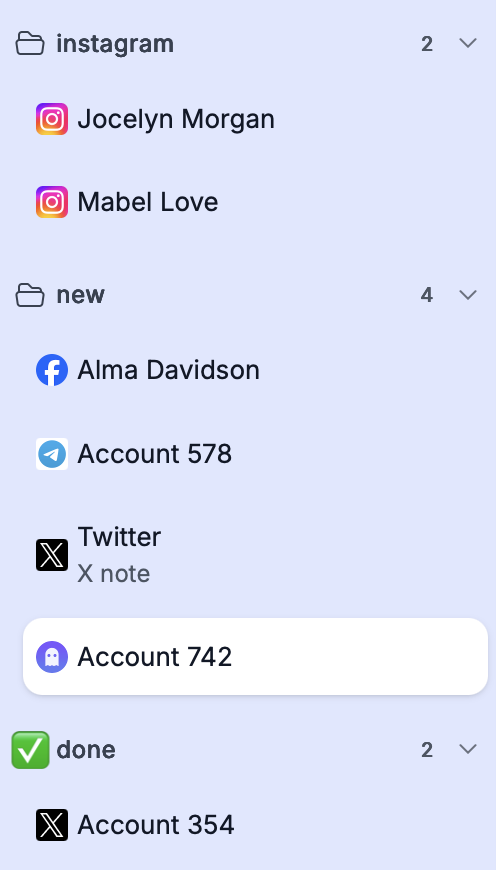
Supported features:
– unlimited nesting (folders inside folders)
– flexible structuring for any workflow
– custom icons and emoji for each folder
You can separate profiles by projects, clients, teams, or any other structure that fits your needs. Management has become significantly more convenient and logical. And don’t forget about Groups – they are still available and allow you to segment profile collections as well.
🎨 New Themes
The interface is something you interact with every day. In addition to the standard Light and Dark themes, 5 new themeshave been added in Accovod 6.0.
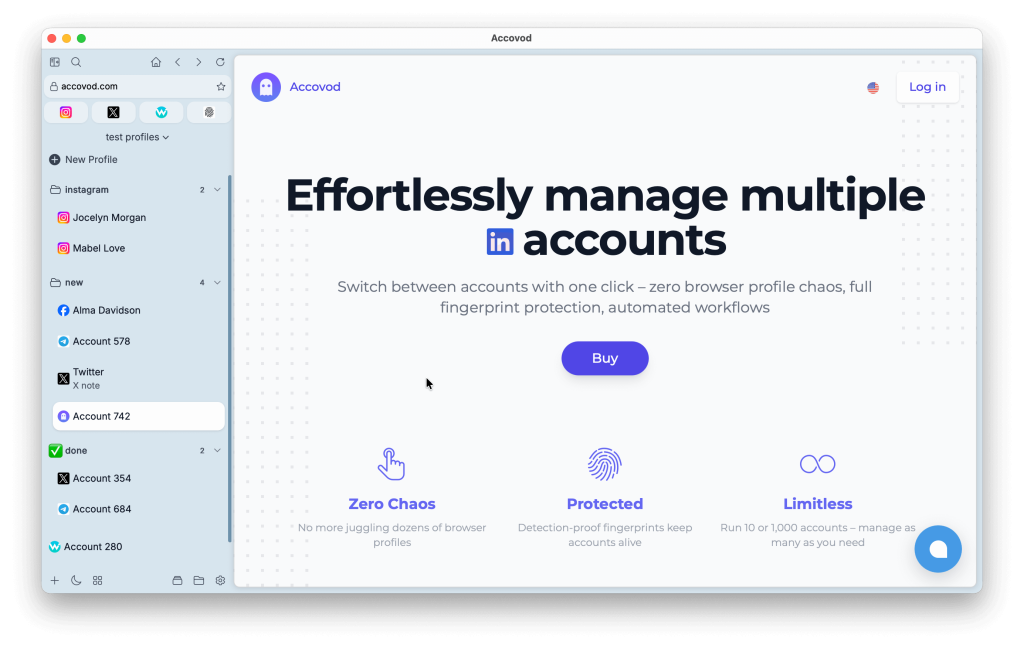
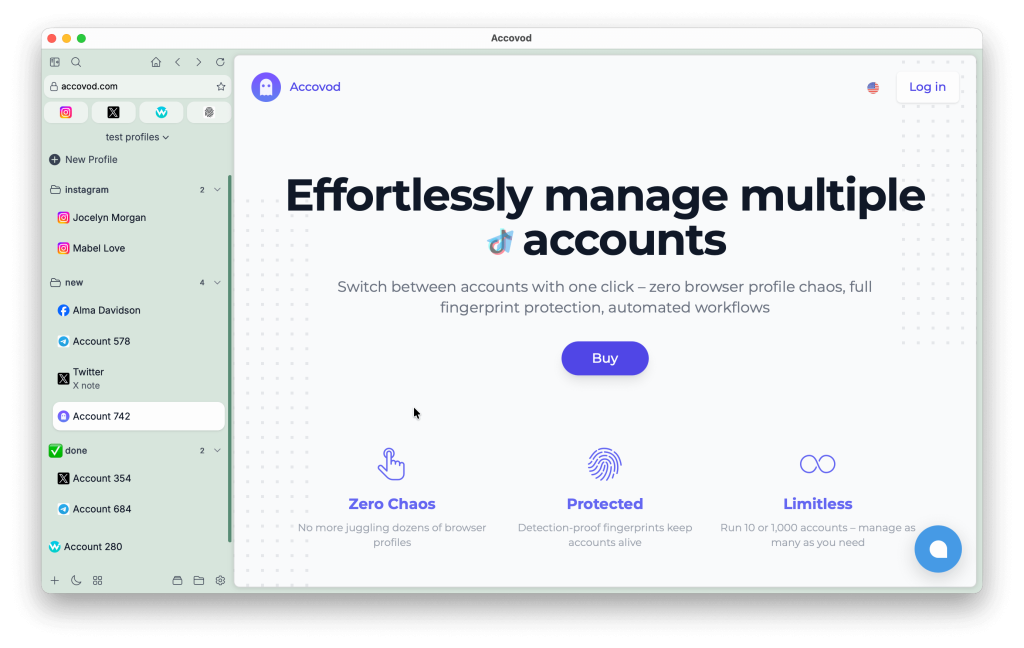
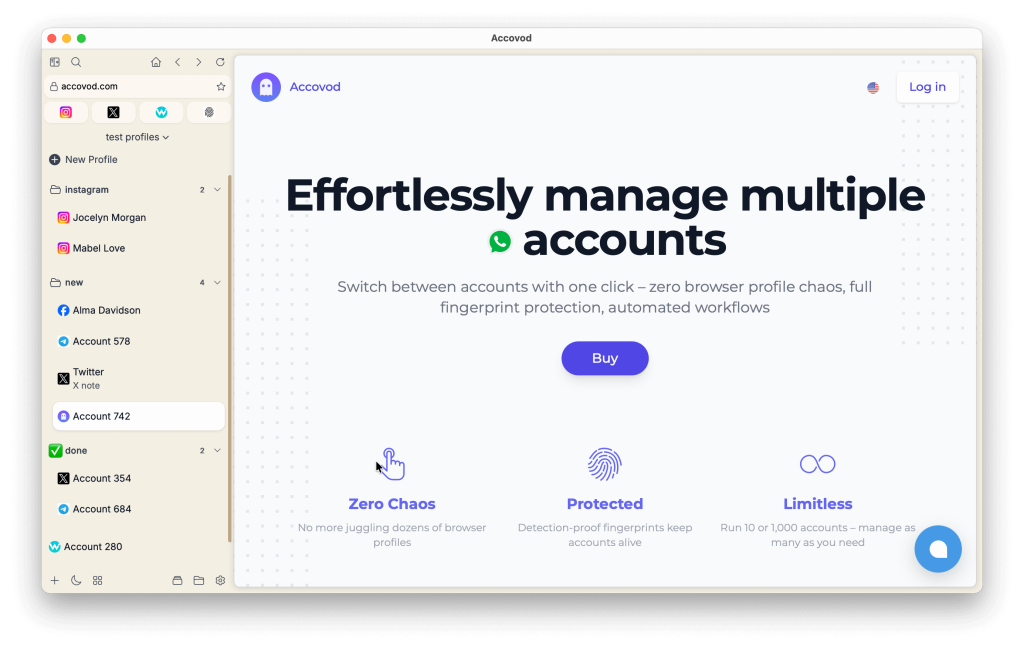
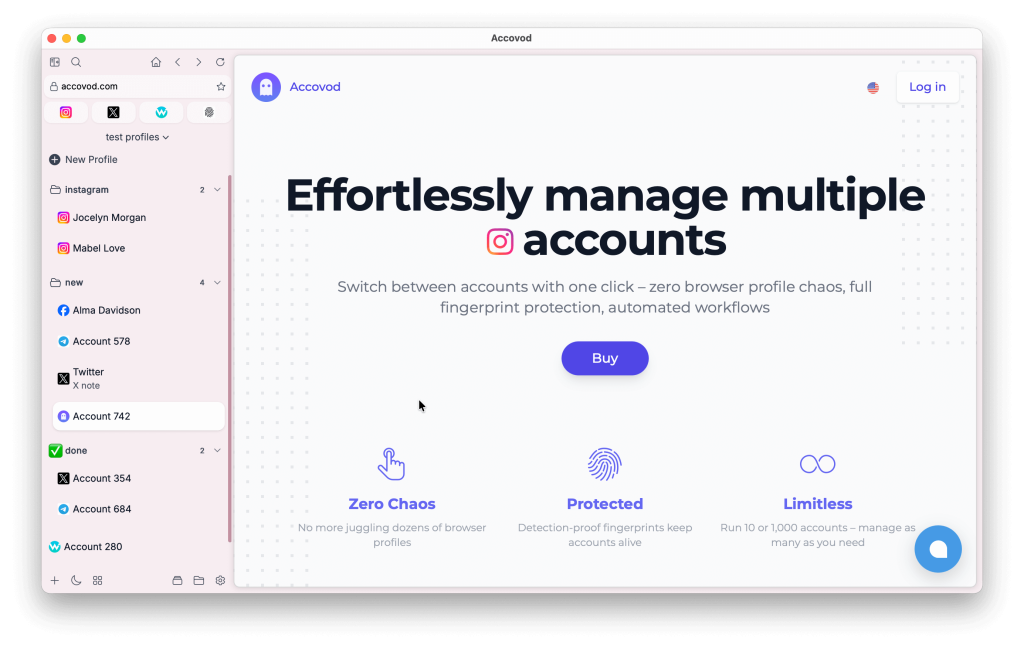
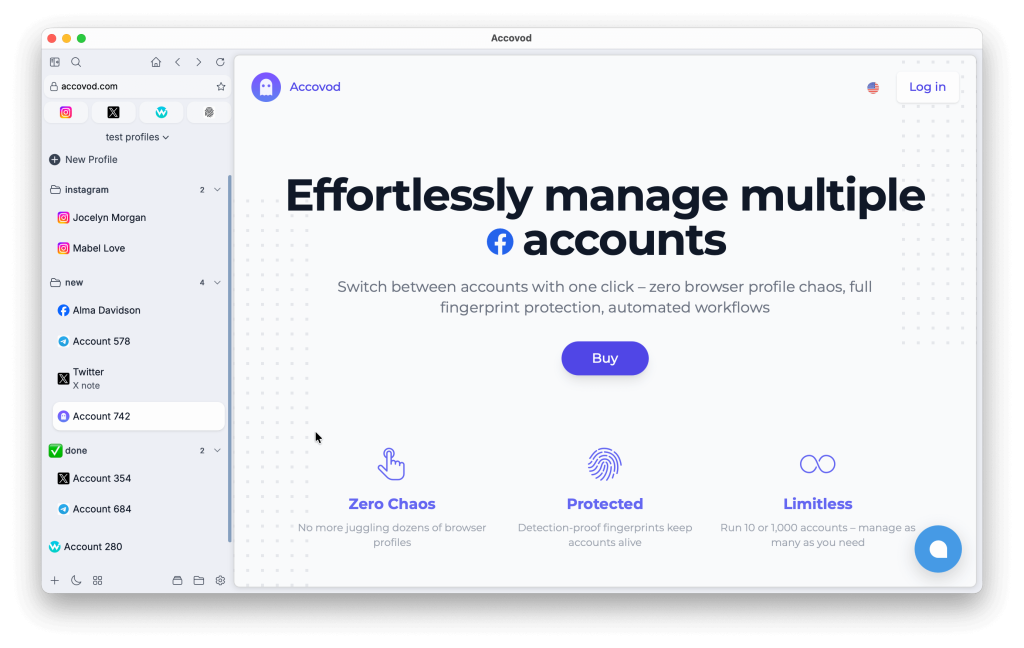
Now you can customize the appearance of the application to match your preferences, work environment, or simply your mood. Personalization has become even more flexible.
Other Improvements and Fixes
☁️ Preserved Profile Order in Cloud Sessions
The order of profiles in cloud sessions is now saved. When reopening a session, profiles appear in the exact same order in which they were saved.
This is especially important when working with a large number of accounts where order matters – no more confusion.
⚡ Application Performance Optimization
Accovod 6.0 includes deep performance optimizations. The application runs faster and more stable even under heavy load and with a large number of profiles.
We improved internal data processing and resource management mechanisms to ensure the smoothest possible user experience.
🔒 Reliable Local Session Saving
The local session saving mechanism has been reworked. It now protects data from corruption even in the event of unexpected crashes or sudden system shutdowns.
This provides an additional layer of data security and peace of mind in your daily work.
Accovod 6.0 is a major step forward in performance, reliability, and profile management convenience. Update now and experience the difference today.