Firefox Multi-Account Containers: how they work, limits, and alternatives for Chrome and Safari

Firefox Multi-Account Containers is a free extension from Mozilla that puts tabs into color-coded containers with separate cookies, so you can stay logged in to two accounts on the same site in one window. It keeps logins apart, but every container still shares your IP address and browser fingerprint.

Read more: Firefox Multi-Account Containers: how they work, limits, and alternatives for Chrome and Safari
Instagram for Mac and PC: desktop app options and several accounts in one window

There is no Instagram download for Mac. Meta makes the app for iPhone, iPad, Apple TV and Windows, so Instagram for Mac means the website or a web app you add to the Dock. On a PC you can install the Instagram app from the Microsoft Store. If you run several accounts, give each one its own browser profile.

Read more: Instagram for Mac and PC: desktop app options and several accounts in one window

Two WhatsApp Business accounts: how to add them on a phone and a computer

There’s no “Add account” button in WhatsApp Business, so two WhatsApp Business accounts always mean two phone numbers. The easiest way to add two accounts to WhatsApp Business is to keep the second number in regular WhatsApp on the same phone. If both numbers need business features, answer customers from a computer, with each number in its own browser profile.

Read more: Two WhatsApp Business accounts: how to add them on a phone and a computer

GoLogin review 2026: pricing, free plan, limits and an alternative

GoLogin (gologin.com) is an antidetect browser that gives each account its own profile with a separate fingerprint and proxy. Any GoLogin review has to start with pricing, because the plan you need depends on how many accounts you run. There’s a free plan with 3 profiles, a 7-day trial, and paid plans from $9 a month for 10 profiles.

Read more: GoLogin review 2026: pricing, free plan, limits and an alternative

How to create a second Gmail account (and keep multiple Gmail accounts apart)

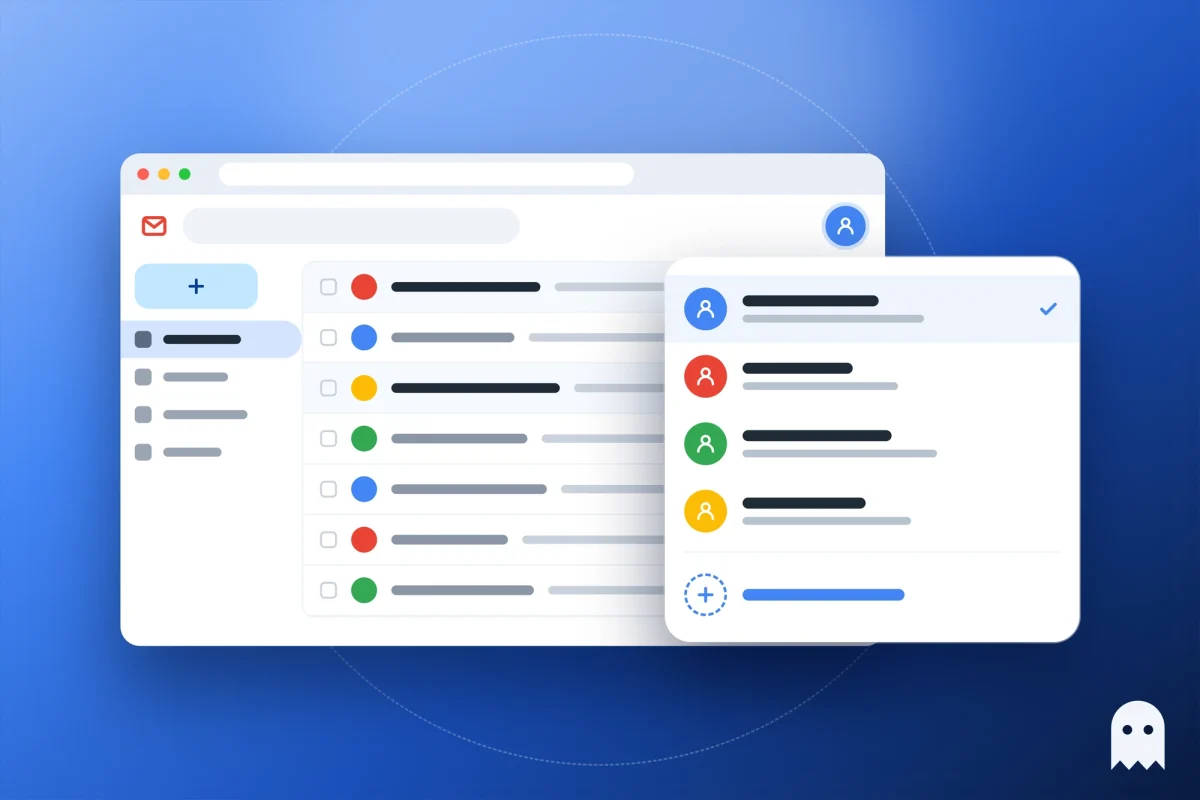
People usually look up how to create a second Gmail account when work email gets buried in their personal inbox. You don’t have to sign out of the first one. Click your profile picture in the top right of Gmail, choose Add account, then Create account. In a few minutes you’ll have a second address, and switching takes one click.

Read more: How to create a second Gmail account (and keep multiple Gmail accounts apart)