LinkedIn account restricted: why it happened and how to get it back

You open LinkedIn to reply to a recruiter, and instead of your feed there’s a notice saying your account has been restricted. A LinkedIn account restricted like this can usually be recovered, and the way back depends on what caused it.
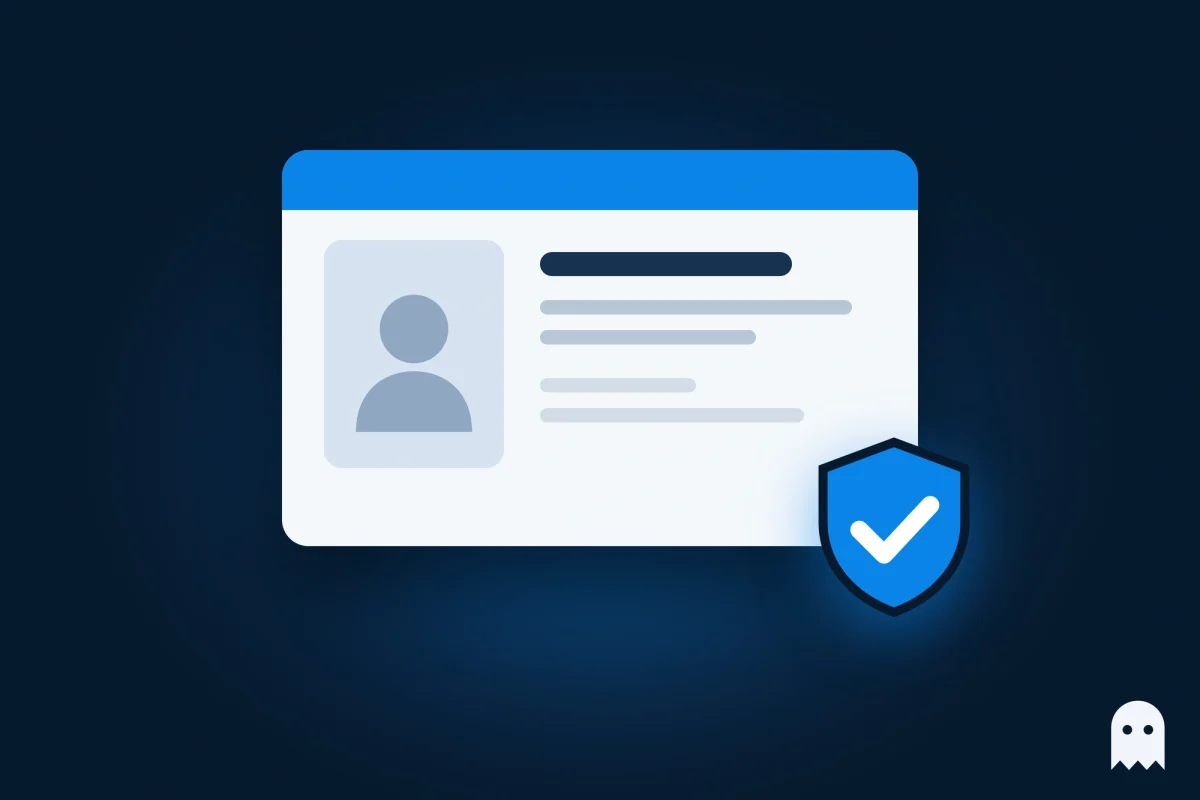
If LinkedIn doubts who you are or thinks someone else got into the account, you verify your identity with an ID. If a post broke the rules, you ask LinkedIn to look at it again. If an automation tool was to blame, you remove it and wait for the date in the notice. Only a permanent restriction after a severe violation usually stays.
Contents
- Why LinkedIn restricts accounts
- LinkedIn account restricted for no reason?
- Restricted for using a LinkedIn automation tool
- How to recover a restricted LinkedIn account
- How LinkedIn identity verification works
- How long does a LinkedIn restriction last?
- LinkedIn account suspended permanently: can you get it back?
- Keeping LinkedIn in its own browser profile
- FAQ
- What to do next
Why LinkedIn restricts accounts
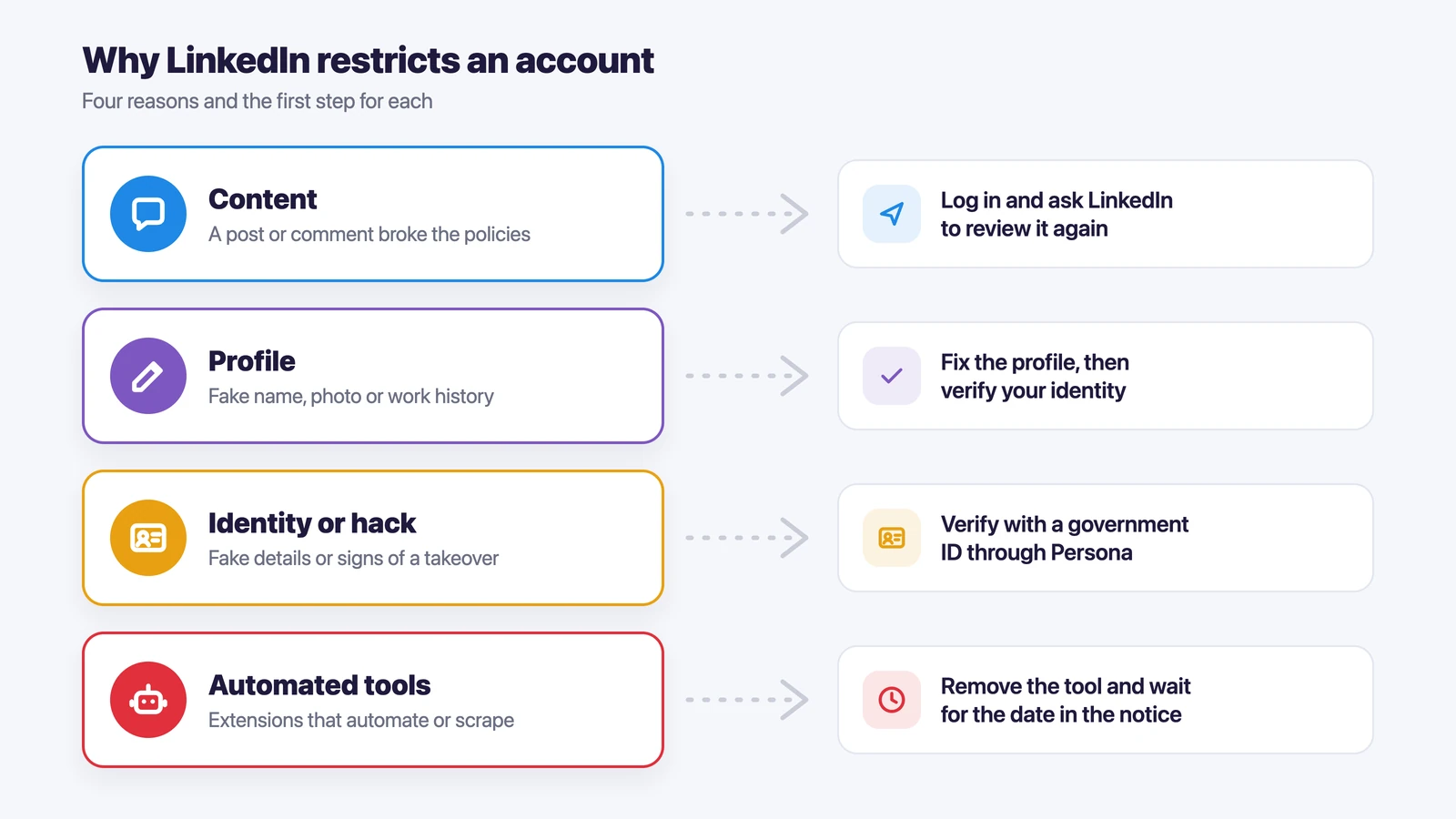
LinkedIn restricts an account when it sees a break of its Professional Community Policies or signs that someone has taken the account over. The steps you see after logging in usually show which of the four cases you’re in.
| Reason | What usually causes it | How to get back in |
|---|---|---|
| Content | A post or comment that breaks the rules | Log in and ask LinkedIn to review it again |
| Profile | A fake name, an unsuitable photo or made-up work history | Fix the profile and verify your identity |
| Identity or a hacked account | Made-up details, or signs that someone else signed in | Verify your identity with a government ID |
| Automated tools | Apps or extensions that send invites, visit profiles or copy data | Remove the tool and wait for the date in the notice |
The hacked-account case can hit people who did nothing wrong. A sign-in from a new country, a new device and a new IP address at the same time can look like a takeover, even when it was just you on a trip or behind a VPN.
LinkedIn account restricted for no reason?
A restriction that seems to come from nowhere usually has a cause you simply didn’t notice. Often it’s a browser extension you installed for something else, such as an email finder or a tool that saves profiles to your CRM. LinkedIn counts these as automation, even if you only clicked one button.
It can also be a burst of connection requests in a short time or a sign-in from an unusual place. Before you contact LinkedIn, check the extensions in every browser where you use it and think back to where you last signed in. Your answer will be clearer, and you won’t get restricted again for the same thing.
Restricted for using a LinkedIn automation tool
LinkedIn doesn’t allow any third-party software or browser extension that automates activity on the site, copies data from it or changes how it looks. That covers almost every LinkedIn automation tool: auto-connect, auto-visit, message sequences and contact export.
To get your account back, find the tool and switch it off or uninstall it. LinkedIn then opens the account again on its own at the time given in the notice. Some members can also log in and send LinkedIn more details about their case, but that option isn’t available to everyone yet.
Remove the extension from every browser and computer you use LinkedIn on, not only from the one you’re on today. If the tool stays in a second browser, it can trigger the next restriction.
How to recover a restricted LinkedIn account
To recover a restricted LinkedIn account, log in and follow the steps LinkedIn shows on the screen.
- A post or comment was removed. If you think it was fine, ask LinkedIn to review it again. You’ll get the result after the second look.
- LinkedIn questions your profile or identity. Fix anything that isn’t real, such as the name or photo, and go through identity verification.
- The account looks hacked. You also verify your identity, and then LinkedIn gives you access again.
- An automation tool was found. Remove it and wait until the date in the notice.
Whatever the case, explain it once, plainly and with the facts.
How LinkedIn identity verification works
For identity verification you need a valid government ID card, driver’s license or passport and a phone with a camera. LinkedIn checks it through Persona, its verification partner. If you start on a computer, you scan a QR code with your phone and finish there.
Persona asks you to pick the country that issued your ID, take a photo of it and sometimes take a selfie to compare with the ID picture. School and library cards don’t work. LinkedIn gets only a copy with your name and face visible and usually deletes the data within 14 days.
When verification keeps failing, the photo is often the problem. Take it again in good light, with the whole ID in the frame, no glare and no blurry corners, and make sure the ID hasn’t expired. If you live in Canada, the EU or the UK and don’t want to upload an ID, you can sign LinkedIn’s Affidavit of Identity in front of a notary and attach the scan to your support case. LinkedIn’s page on verifying your identity has the form and the full list of steps.
How long does a LinkedIn restriction last?
A restriction for automated activity lasts until the date in the notice, and after that the account opens on its own. When LinkedIn asks you to verify your identity, the restriction lasts until your verification goes through. LinkedIn doesn’t publish fixed review times, so the date on your screen is the most reliable guide.
LinkedIn account suspended permanently: can you get it back?
A permanent restriction closes the account, and LinkedIn can apply it after a single severe violation, such as terrorism, extremely violent content or sexual harassment. If you’re sure it was a mistake, log in, follow the prompts and explain what happened. If the review keeps the decision, the account stays closed.
Keeping LinkedIn in its own browser profile
If you work in many accounts every day, give your LinkedIn a browser profile of its own that nothing else touches. In a shared browser, LinkedIn sits next to every other account and extension you use. One cookie cleanup or one VPN switch, and LinkedIn sees what looks like a brand-new sign-in. Extensions you added for other work often run on every site, LinkedIn included.
Accovod is a browser for people who run several accounts: personal, work, brand, project or client accounts. Each account gets its own profile with its own cookies, its own proxy and its own fingerprint, and the profile’s language, time zone and location follow its proxy. Accovod profiles don’t run browser extensions, and all of them sit as a list in one window, so you switch between accounts in one click.
For LinkedIn the setup takes a few minutes.
- Create an Accovod profile for your LinkedIn and give it a clear name, such as “LinkedIn – me”.
- Add a proxy in the country where you live and work, and keep the same one.
- Open LinkedIn in that profile and sign in once. The sign-in stays saved between visits.
- Keep your other accounts, such as ad accounts or a brand’s social pages, in their own profiles next to it.
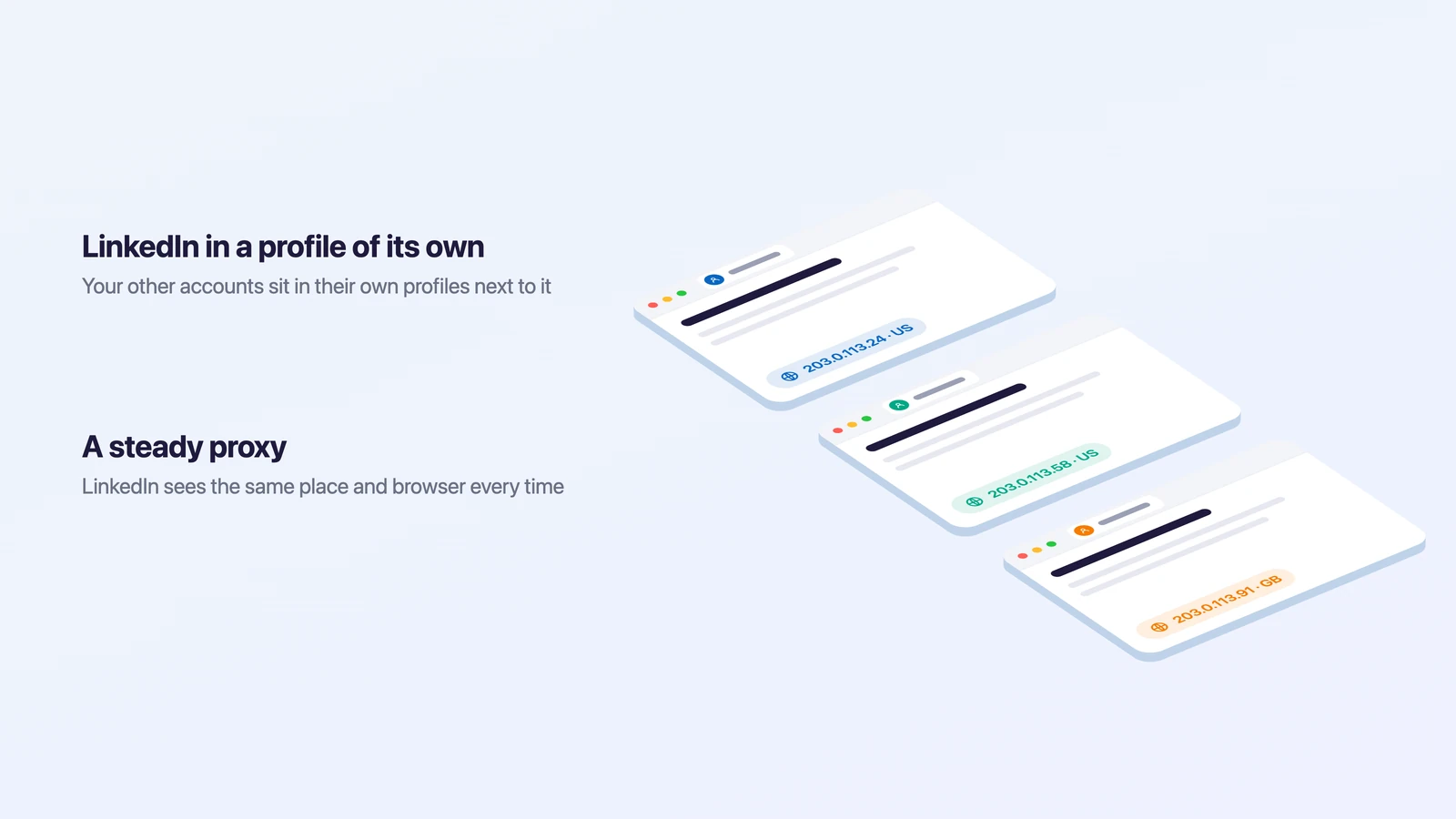
Your LinkedIn then signs in from the same place and the same browser every time, instead of whatever IP the VPN picked that morning. In a team, each person keeps their own LinkedIn in their own Accovod profile. If you want to know more about how sites tell one device from another, read our guide to browser fingerprinting. How a proxy changes the address a site sees is covered in what is a proxy.
FAQ
Can I appeal a LinkedIn restriction?
Yes. Log in to the restricted account, and LinkedIn will show the steps for your case. For a removed post you ask for a second review, and for identity or hacking you verify with an ID.
Why does LinkedIn identity verification keep failing?
Usually because of the photo or the document. Use a valid, unexpired ID, take the picture in good light without glare and keep the whole card in the frame. School and library cards aren’t accepted. In Canada, the EU and the UK there’s also the notarized affidavit option.
Will a VPN get my LinkedIn account restricted?
A VPN on its own doesn’t break LinkedIn’s rules. Jumping between countries every day is different, because it can look like someone else is signing in. A steady location for LinkedIn is the safer habit.
Can I have two LinkedIn accounts?
LinkedIn expects each profile to belong to a real person who uses it alone, and it doesn’t allow sharing a login or someone else’s cookies. If you ended up with two accounts by accident, LinkedIn can merge them into one.
What to do next
- Restricted for automation – remove every tool and extension that touches LinkedIn and wait for the date in the notice.
- Asked to verify your identity – have a valid ID and your phone ready and finish the check in one go.
- A post was removed – log in and ask LinkedIn to review it again.
- LinkedIn is one of many accounts you work in – give it its own Accovod profile with a steady proxy.