Scamalytics: what the fraud score means and how to check your proxy IP

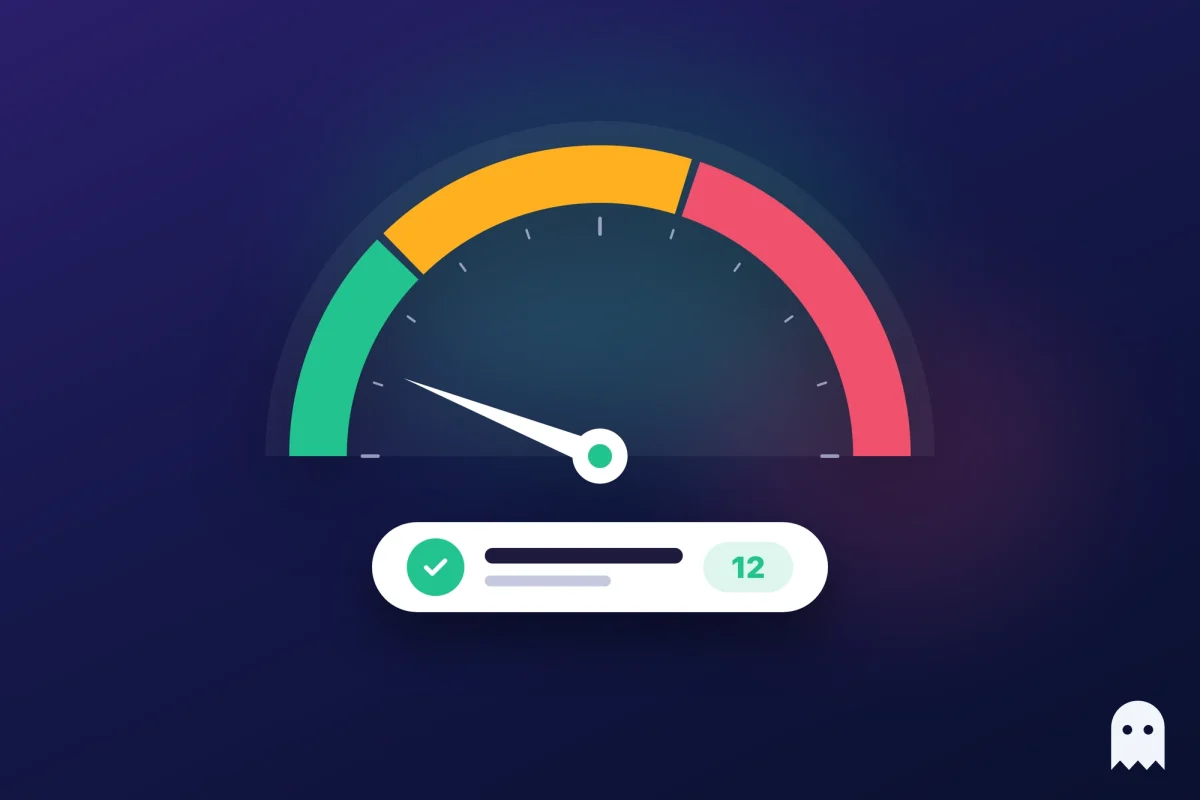
Scamalytics is an IP fraud database that many websites and apps rely on, and anyone can check an address in it for free. Its fraud score from 0 to 100 shows how risky the address looks to those sites. If you buy proxies for your accounts, run each proxy IP through Scamalytics before you log in anywhere.
A low score means sites are likely to treat you as a normal visitor, while a high one usually means CAPTCHAs, extra checks and, sooner or later, blocks.
Contents
- What is Scamalytics?
- How to do a Scamalytics IP check
- What the Scamalytics fraud score means
- What else the IP report shows
- Why your proxy has a high fraud score
- What fraud score is good enough for accounts?
- Checking every proxy before you log in with Accovod
- Common questions
- Cheat sheet
What is Scamalytics?
Scamalytics is a company that collects data on IP addresses and sells it to websites and apps that want to catch fake sign-ups and payment fraud. Dating sites, online shops and ad platforms check a visitor’s IP against databases like this one and decide whether to let them in, show a CAPTCHA or ask for a phone number.
Anyone can look up a single address for free at scamalytics.com/ip. That’s why people who work with proxies use it as a quick test: if Scamalytics sees your proxy as risky, other anti-fraud systems probably do too.
How to do a Scamalytics IP check
The Scamalytics IP check takes a few seconds and doesn’t need an account.
- Find the IP of your proxy. Your provider shows it in the dashboard, or you can open any “what is my IP” page in a browser that runs through the proxy.
- Go to scamalytics.com/ip and paste the address into the search field, or open scamalytics.com/ip/ followed by the IP.
- Look at the fraud score and the risk level at the top, then scroll down to the proxy and blacklist sections.
If you open the page through the proxy itself, Scamalytics shows the address you’re connecting from, which is a handy way to see exactly what websites see.
What the Scamalytics fraud score means
The fraud score is a number from 0 to 100, and the lower it is, the safer the address looks. Next to it Scamalytics puts a risk level in plain words, such as Low Risk or Medium Risk. For example, Google’s public DNS address 8.8.8.8 gets 0 and Low Risk, while an IP from a residential proxy network can already show 21 and Medium Risk.
The score isn’t a verdict on you personally. Scamalytics mostly judges an address by the company that runs it and by what it has seen from that company’s other IPs. That’s why a brand-new proxy can arrive with a high score: the address inherits the reputation of its neighbours and of whoever used it before you.
What else the IP report shows
Below the score, the report explains where the number comes from, and these fields matter more for proxies than the score itself.
- Operator. Hostname, ASN, ISP and the organisation that owns the address. A hosting company here means a datacenter IP.
- Location. Country, region and city. Check that they match the country you paid for.
- Datacenter. Whether the device seems to sit in a datacenter. Sites treat these addresses with more suspicion than home connections.
- External blacklists. Whether the IP appears on lists such as Spamhaus, Firehol or IPsum.
- Proxies. Flags for anonymizing VPN, Tor exit node, server, public proxy and web proxy.
- Residential proxy. Whether the address belongs to a residential proxy network, sometimes with the name of the last provider that used it.
A proxy flag on its own doesn’t mean you’ll be blocked. Sites look at the whole picture, and a residential IP with a low score usually gets through more easily than a datacenter IP that isn’t flagged as a proxy at all.
Why your proxy has a high fraud score
A high fraud score almost always comes from the type of proxy or from its history, not from something you did.
- Datacenter proxies. They’re cheap and fast, but their ranges are well known, so they score high almost by default.
- Shared residential pools. Thousands of people use the same pool, and if some of them spam or create fake accounts, the addresses pick up a bad reputation.
- Bad neighbourhood. When a provider or subnet has a lot of fraud, every IP in it gets a higher score, including the clean ones.
- Recycled addresses. Home internet providers hand out IPs again and again, so an address can carry history from its previous owner.
You can’t lower the score of a specific IP yourself. What you can do is ask the provider for another address, switch to residential or mobile proxies for valuable accounts, and stop using an IP once its score starts climbing.
What fraud score is good enough for accounts?
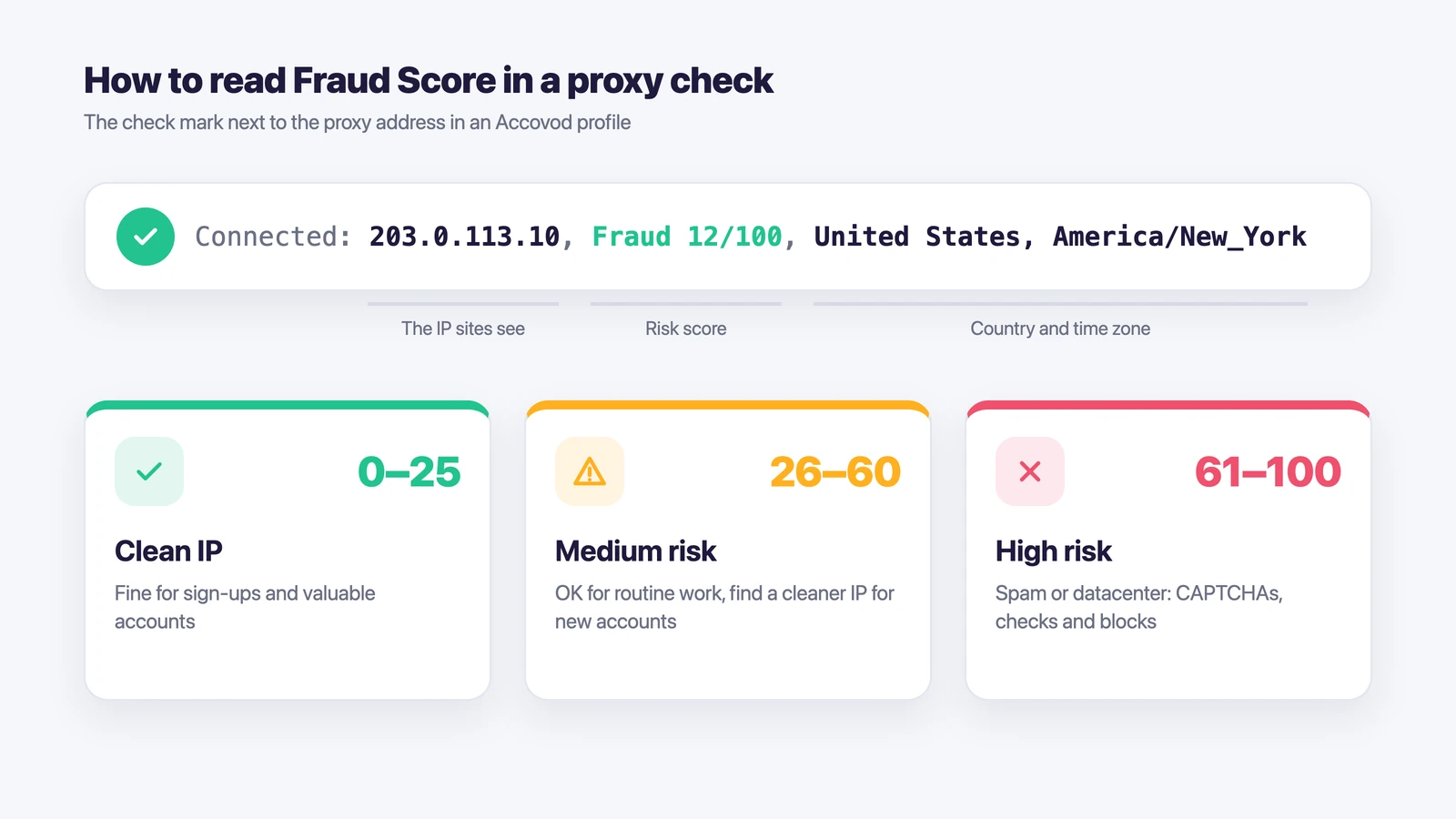
For new accounts and anything you can’t afford to lose, look for a score close to zero. Accovod’s own proxy check splits scores into three ranges, and they work as a rough guide for Scamalytics too.
| Score | What it means |
|---|---|
| 0–25 | Clean IP. Fine for sign-ups and valuable accounts. |
| 26–60 | Medium risk. OK for routine work, but find a cleaner IP for new accounts. |
| 61–100 | The IP often shows up in spam or belongs to a datacenter. Expect CAPTCHAs, checks and blocks. |
Keep in mind that Scamalytics is one database among many. Another service may score the same IP differently, so if an address matters, check it in two or three places. We compared the popular checkers in our guide to Whoer alternatives.
Checking every proxy before you log in with Accovod
Copying each IP into Scamalytics by hand gets tedious once you have more than a couple of proxies. In Accovod, every account lives in its own profile with its own proxy, and the check is built into the profile form.
- Create a profile for the account and paste the proxy, HTTP or SOCKS5.
- Click the check mark next to the proxy address. Accovod sends a real request through the proxy and shows a line like “Connected: 203.0.113.10, Fraud 12/100, United States, America/New_York”.
- If the score is high, swap the proxy before the first login. If it’s clean, Accovod sets the profile’s language and time zone to match the proxy, so the IP, clock and language all point to the same country.
If a proxy goes down later, pages in that profile simply stop loading. Accovod doesn’t switch to your real IP, so an account never shows up from your home address by accident. The proxy check guide explains the error messages.
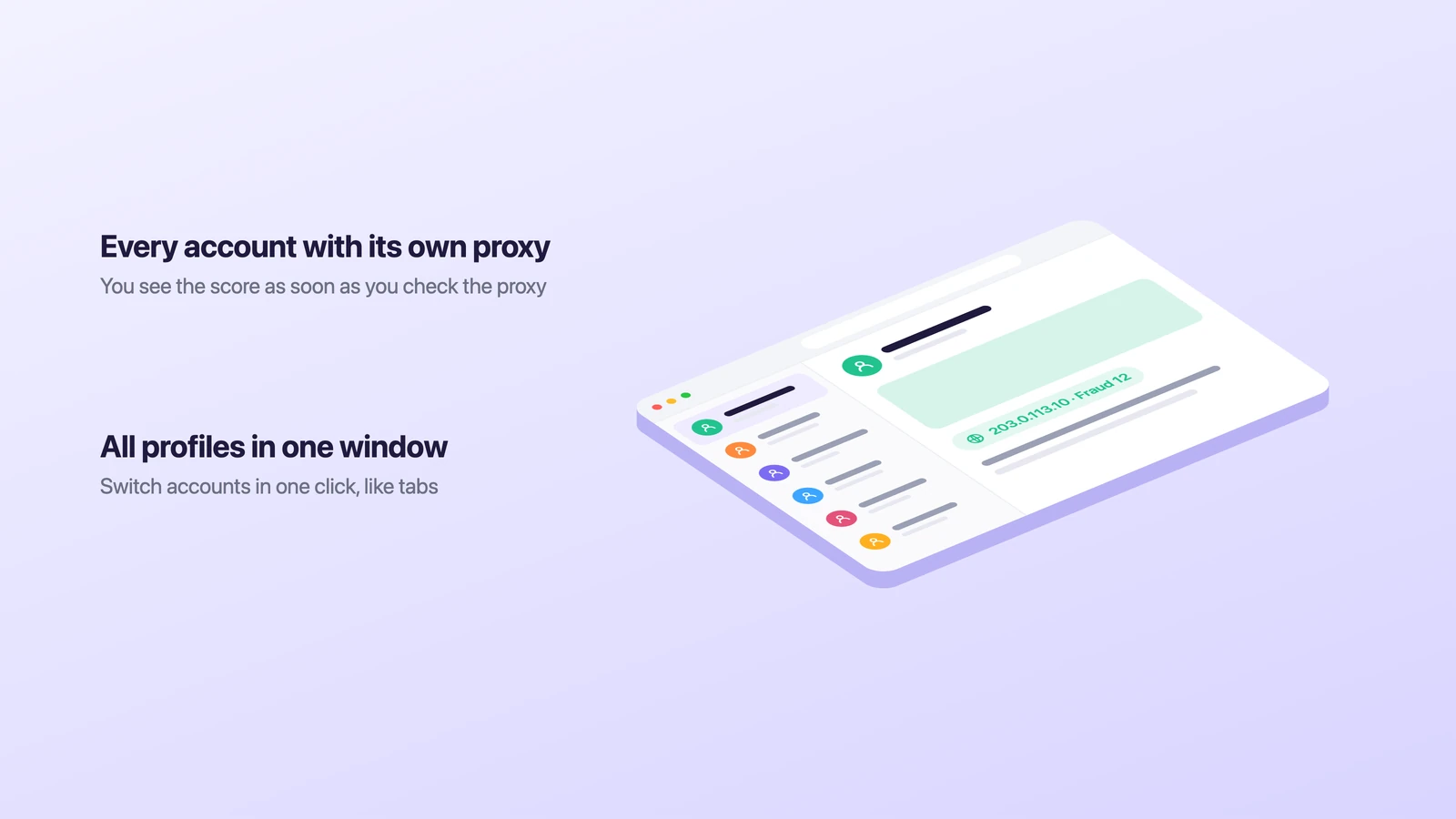
All profiles sit as a list in one window, and you switch between accounts in one click, like tabs. Accovod runs on Windows, Mac, iPhone and iPad.
Common questions
What is a good Scamalytics fraud score?
The closer to zero, the better. Google’s 8.8.8.8 shows 0, and for new or valuable accounts it makes sense to look for single digits or low teens. Anything that Scamalytics marks as high risk is better replaced before you log in.
Is Scamalytics free?
Checking addresses one by one on scamalytics.com/ip is free. Businesses that check every visitor automatically pay for the API, which is sold by monthly lookup volume.
Why is my home IP flagged?
Your internet provider may have given you an address that someone else used for spam or a proxy network, or the provider’s whole range may have a poor reputation. Restarting the router sometimes gets you a new IP. If not, the flag usually doesn’t matter much for normal browsing.
Does a VPN or proxy flag mean I’ll be blocked?
Not necessarily. The flag only says what the address looks like. Sites mostly act on the score and on how your browser behaves, so a clean residential IP with a matching time zone and language usually works fine even when it’s marked as a proxy.
Can I check a proxy’s fraud score without opening Scamalytics?
Yes. In Accovod the proxy check in each profile shows the IP, country, time zone and Fraud Score in one line. You can also check it in other IP tools, which we listed in the Whoer alternatives review.
Cheat sheet
- Two or three accounts. Check each proxy on Scamalytics once, keep the ones with a low score, and give every account its own profile.
- Ten accounts or more. Check the score in the profile form when you add a proxy, and replace any IP that drifts into medium or high risk.
- A team. Put the profiles into a cloud group and share it with teammates by email. They work with the same checked proxies, and nobody needs the account passwords.