Instagram for Mac and PC: desktop app options and several accounts in one window

There is no Instagram download for Mac. Meta makes the app for iPhone, iPad, Apple TV and Windows, so Instagram for Mac means the website or a web app you add to the Dock. On a PC you can install the Instagram app from the Microsoft Store. If you run several accounts, give each one its own browser profile.
This guide covers each option, what works on a computer and what still needs your phone, and how to switch between accounts without them getting tied together.
Contents
- Is there an Instagram app for Mac?
- Instagram app for Windows
- What you can do in Instagram on a computer
- How to switch Instagram accounts on desktop
- How to run several Instagram accounts in one window
- FAQ
- Cheat sheet
Is there an Instagram app for Mac?
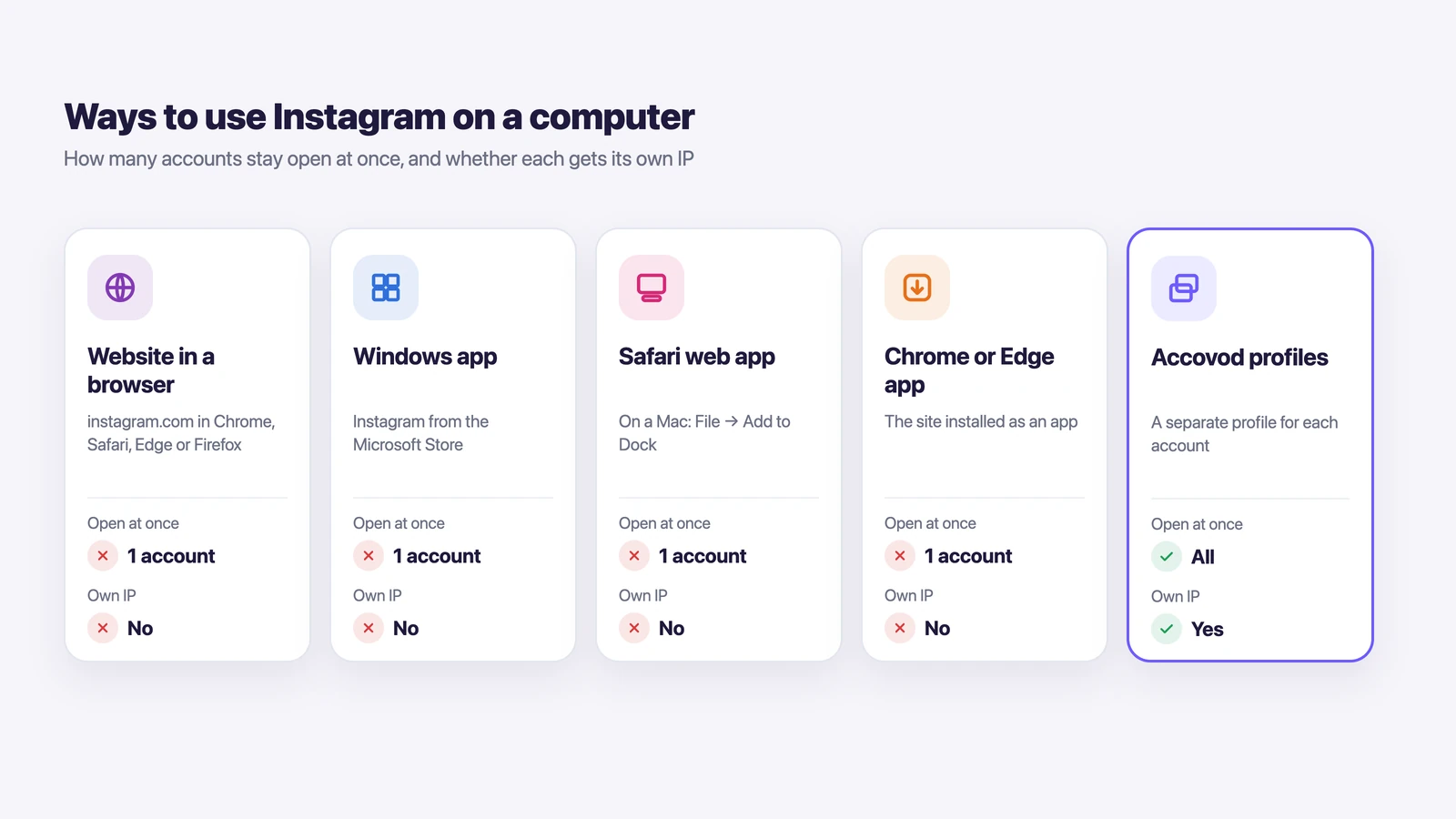
No, Meta doesn’t make an Instagram app for Mac. The App Store lists Instagram for iPhone, iPad and Apple TV only. So on a MacBook or iMac you use Instagram in one of three ways.
- In the browser. Open instagram.com in Safari, Chrome, Edge or Firefox and log in. Nothing to install.
- As a Safari web app. On macOS Sonoma or later, open instagram.com in Safari and choose File → Add to Dock. Instagram gets its own window and a Dock icon, and it opens like any other app.
- As a Chrome or Edge app. Open instagram.com and use the browser’s menu to install the page as an app. It then shows up in Launchpad and can live in the Dock.
The web app route is the closest thing to a native Instagram app on a Mac. It looks the same as the website, but it doesn’t get lost among your tabs.
Instagram app for Windows
On Windows, the Instagram app from Meta is in the Microsoft Store. Search for Instagram in the Store, click Get, then log in the same way you do on the website. Pin it to the taskbar and it opens in one click.
If you’d rather not install anything, instagram.com works in any browser on Windows too. Edge can also save it as an app: open the site, then go to Apps → Install this site as an app.
What you can do in Instagram on a computer
Instagram on a computer covers most of the daily work of running an account. Shooting with the camera and posting Stories are still easier on a phone.
| Task | On a computer |
|---|---|
| Browse the feed, Reels and Explore | Yes |
| Like, comment, save and follow | Yes |
| Read and send direct messages | Yes |
| Post a photo, video or carousel | Yes, with Create |
| Crop, add a filter, tag a location | Yes, in the post editor |
| Turn off comments on a post | Yes, under Advanced settings |
| Post a Story | Instagram’s help covers this for the app only |
| Record video with effects | No, app only |
To post from a computer, click Create in the left menu, then Post, then Select from computer, or just drag a file into the window. Photos can be JPG, PNG or HEIC. Pick the crop, add a filter if you want, click Next, write a caption and click Share.
Direct messages are actually nicer on a computer, because you reply on a full keyboard and see more of the chat at once.
How to switch Instagram accounts on desktop
To switch Instagram accounts on desktop, click More in the bottom left, then Switch accounts. That’s also where you add a new account: enter its username and password and click Log in. According to Instagram’s help center, you can be logged in to up to 10 accounts at once.
This works fine for two or three accounts that are all yours. But only one account is open at a time, so if you answer DMs for a brand and a client at once, you keep clicking back and forth.
There’s a bigger catch, too. In one browser, every account shares the same cookies, the same IP address and the same browser fingerprint. To Instagram, that’s one person on one computer, and if one account runs into restrictions, the others are easy to connect to it.
The usual workarounds don’t break that link either.
| Workaround | The problem |
|---|---|
| Switch accounts in the menu | One account at a time, and all of them share an IP and fingerprint |
| Incognito windows | The login disappears when you close the window, so Instagram asks for a code again |
| Chrome profiles | Separate cookies, but the same IP and fingerprint, as we explain in Chrome profiles vs browser profiles |
| Safari plus a Dock web app | Safari web apps keep their own cookies, but that’s only two accounts on one IP |
| A VPN for the whole computer | Every account moves to the same new IP together |
To keep accounts apart, each one needs its own browser profile with its own cookies, fingerprint and proxy.
How to run several Instagram accounts in one window
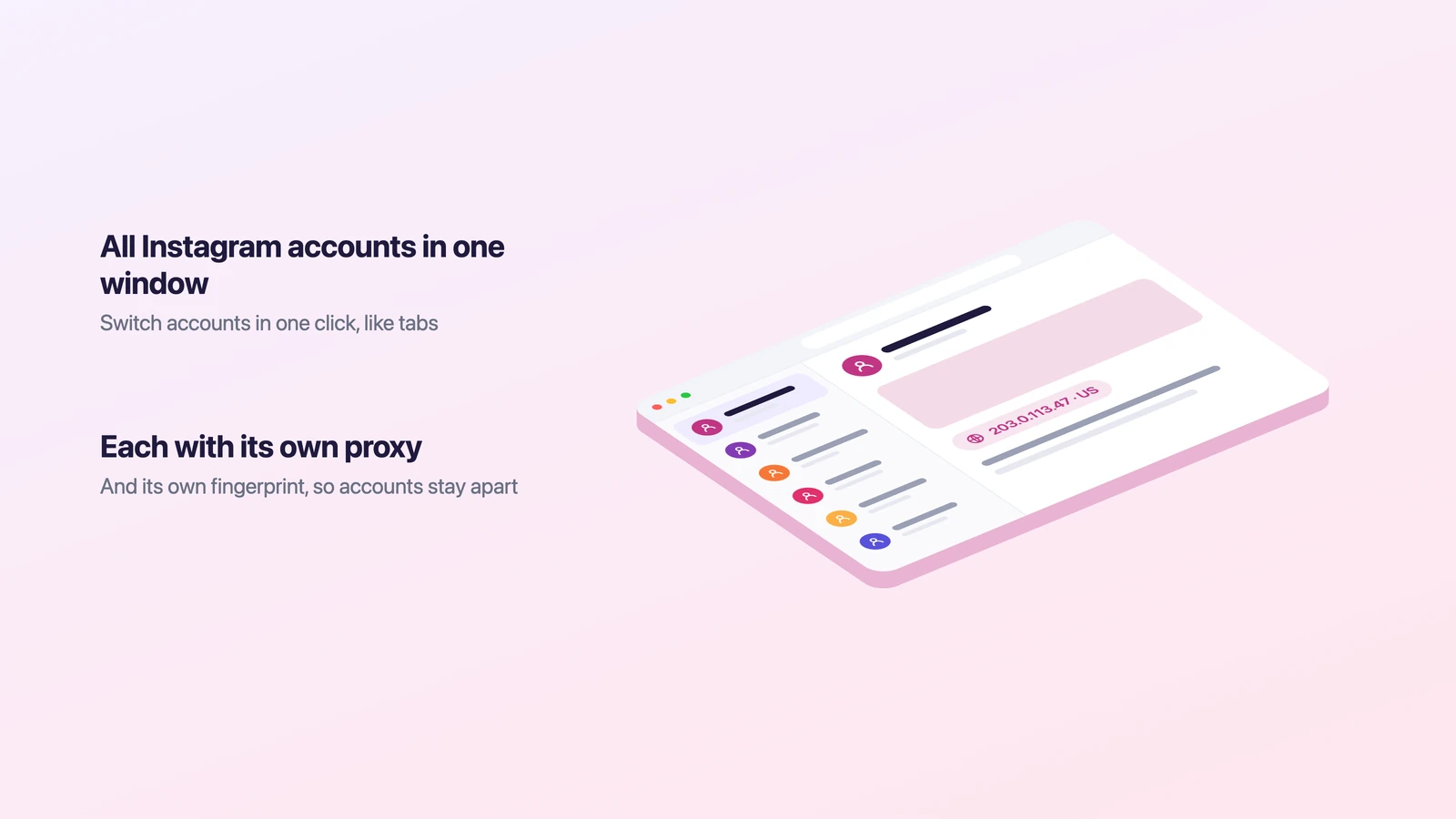
You can keep several Instagram accounts open in one window if each has its own browser profile. Accovod, our browser for people who run many accounts, is built this way. Personal, work, brand, project and client accounts each get a profile with their own cookies, fingerprint and proxy. To Instagram, they look like different computers. All profiles sit as a list in one window, and you switch between accounts in one click, like tabs.
Setting up a profile for an Instagram account takes a minute.
- Click New Profile. Type instagram.com in the Platform field and the account name in the Account field, so you can find it in the list later.
- Paste a proxy (HTTP or SOCKS5) from the account’s country and click the check mark. Accovod shows the IP, country and Fraud Score and sets the profile’s language and time zone to match the proxy.
- Click Add and open the profile.
- Log in to Instagram once. Next time, the profile opens with the account already logged in.
Accovod runs on Mac and Windows, and there’s an app for iPhone and iPad on the App Store. Profiles in a cloud group open on both your computer and your phone, so an account you logged in to on your Mac is waiting for you on your iPhone too. We cover the Mac side in more detail in Accovod for macOS.
If a team works with the accounts, add the profiles to a cloud group and share it by email, as shown in the teamwork docs. Your teammate opens Instagram already logged in and never sees the password. For more on keeping many accounts safe, read our guide on managing multiple Instagram accounts without getting banned.
FAQ
Can I download Instagram on my MacBook?
Not as an app from the App Store. On a MacBook, open instagram.com in Safari and choose File → Add to Dock, and Instagram will open in its own window like an app.
Is there an Instagram app for Windows 11?
Yes. The Instagram app from Meta is in the Microsoft Store, and you log in to it with the same username and password as on the website.
Can you post on Instagram from a Mac or PC?
Yes. Click Create in the left menu, choose a photo or video from your computer, crop it, add a filter if you like, write a caption and click Share.
Why can’t I switch Instagram accounts on desktop?
Usually because the second account hasn’t been added yet. Click More, then Switch accounts, and log in to it there. If the menu doesn’t show the account after that, clear the site’s cookies for instagram.com and add it again.
How many Instagram accounts can I be logged in to on a computer?
Instagram’s help center says up to 10 accounts at once. Only one of them is open at a time in a browser, though, and all of them share the same IP and fingerprint.
How do I give a teammate access to Instagram without the password?
Put the account in its own Accovod profile, add the profile to a cloud group and share the group with your teammate by email. They open Instagram already logged in, and the password stays with you.
Cheat sheet
- If you have one account and a Mac, add instagram.com to the Dock from Safari and use it like an app.
- If you have one account and a PC, install Instagram from the Microsoft Store or just use the website.
- If you have two or three accounts of your own, switch between them with More → Switch accounts.
- If you run many accounts or client accounts, give each its own profile and proxy and log in once.
- If a team works with the accounts, share profiles through a cloud group instead of sending passwords.